The path
-
Begin
Bring your purpose, agenda, or reason to get together: a retrospective, a decision, a workshop, a circle.
-
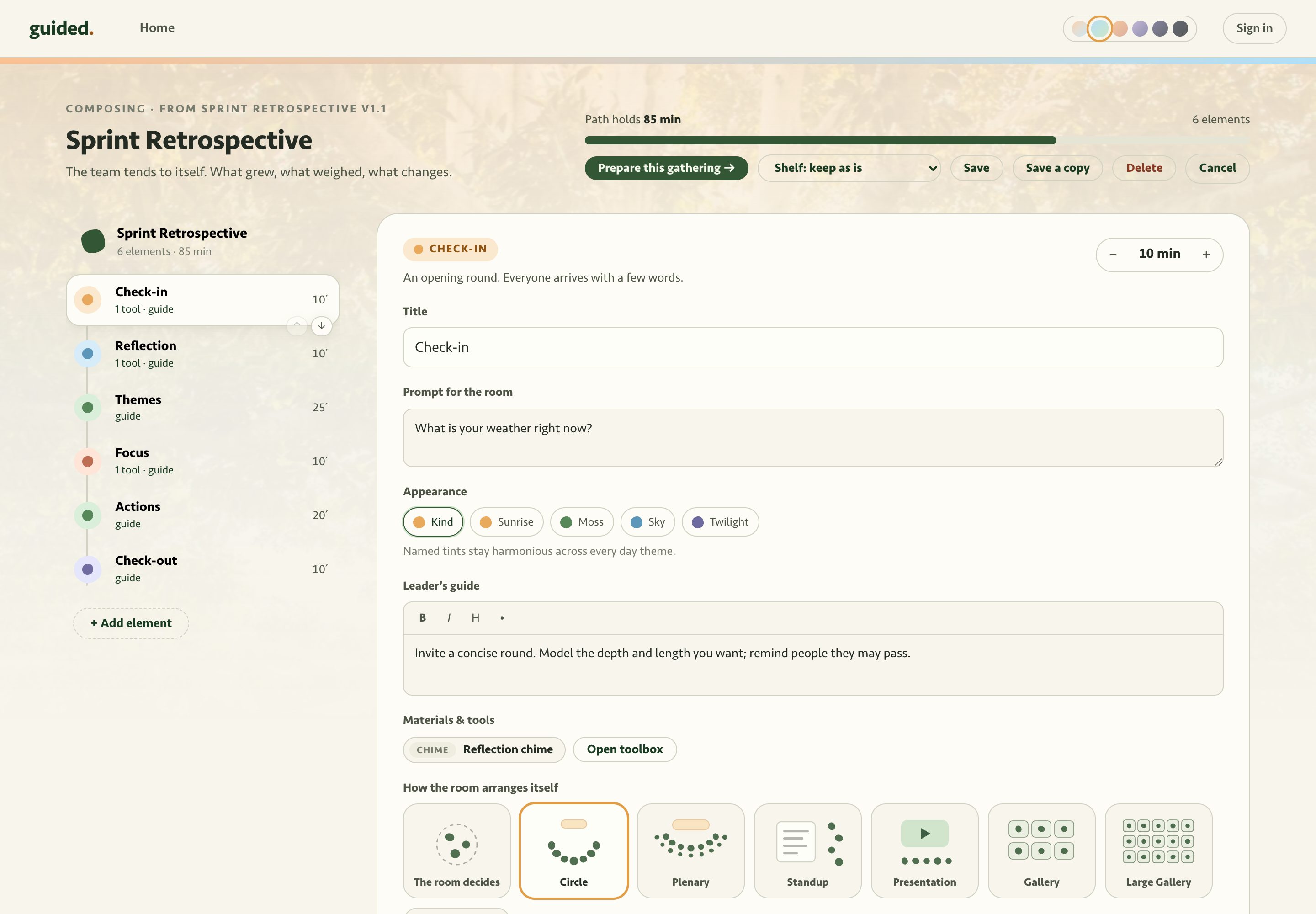
Shape
Turn it into a path that structures the session.
-
Meet
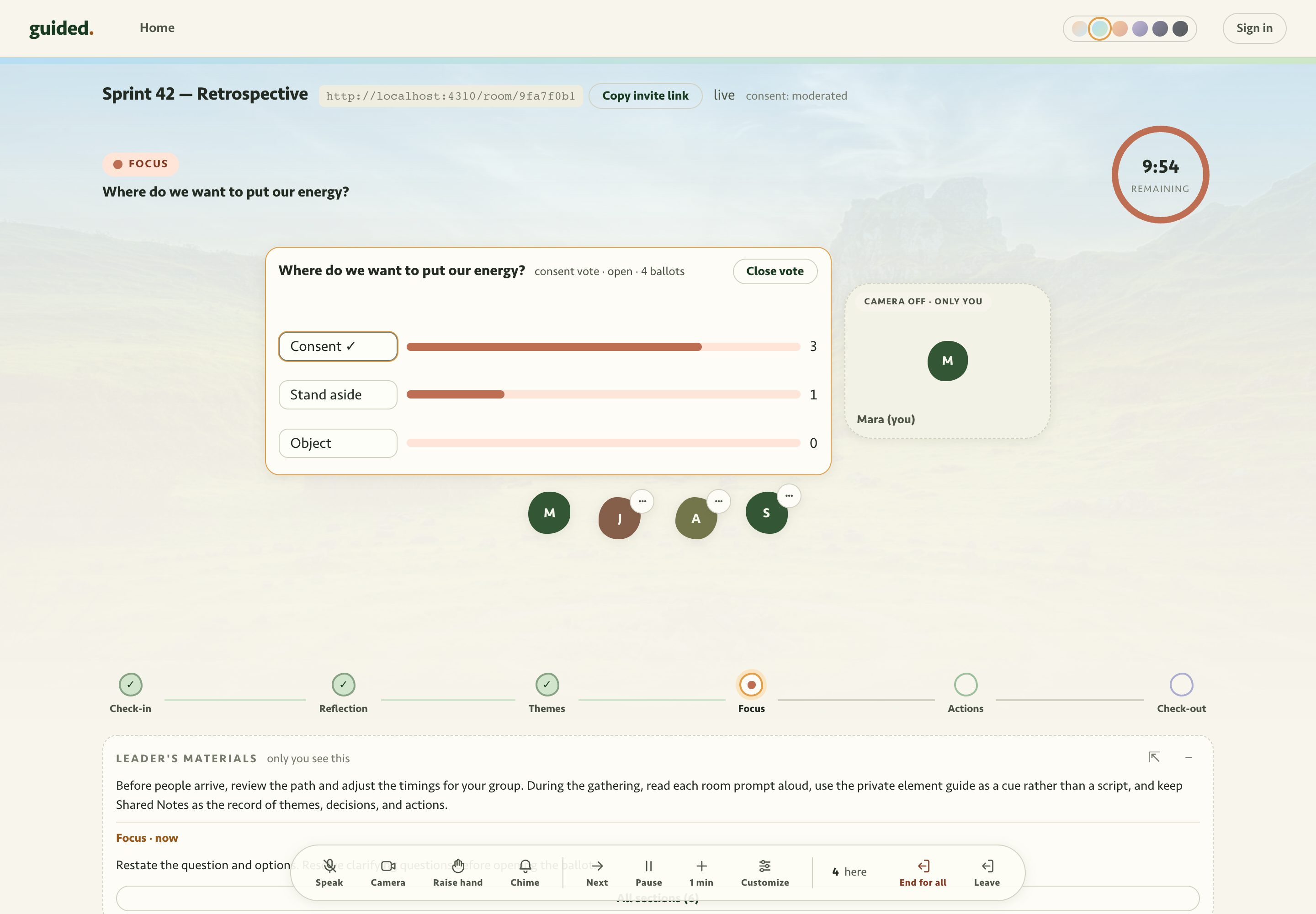
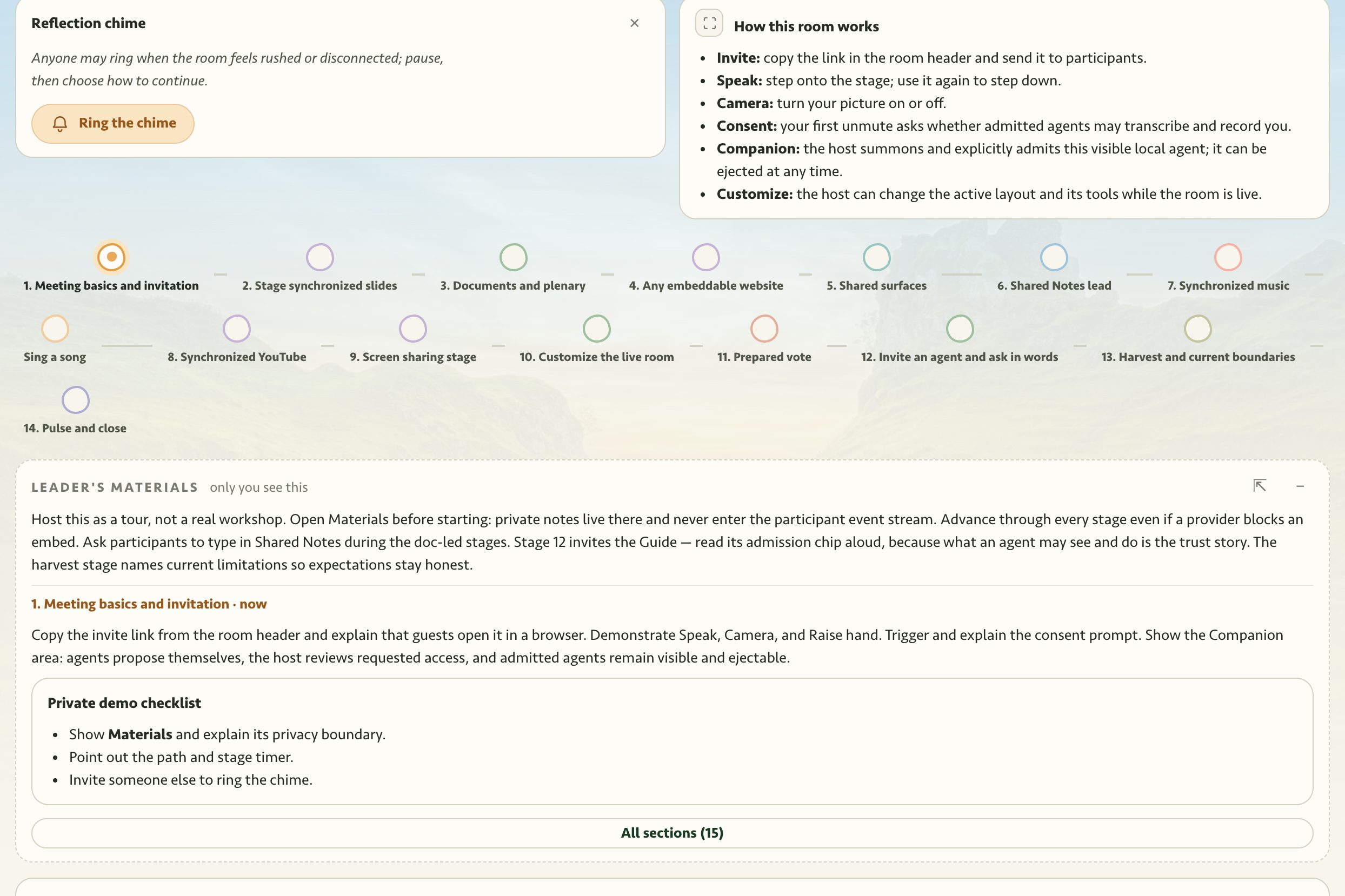
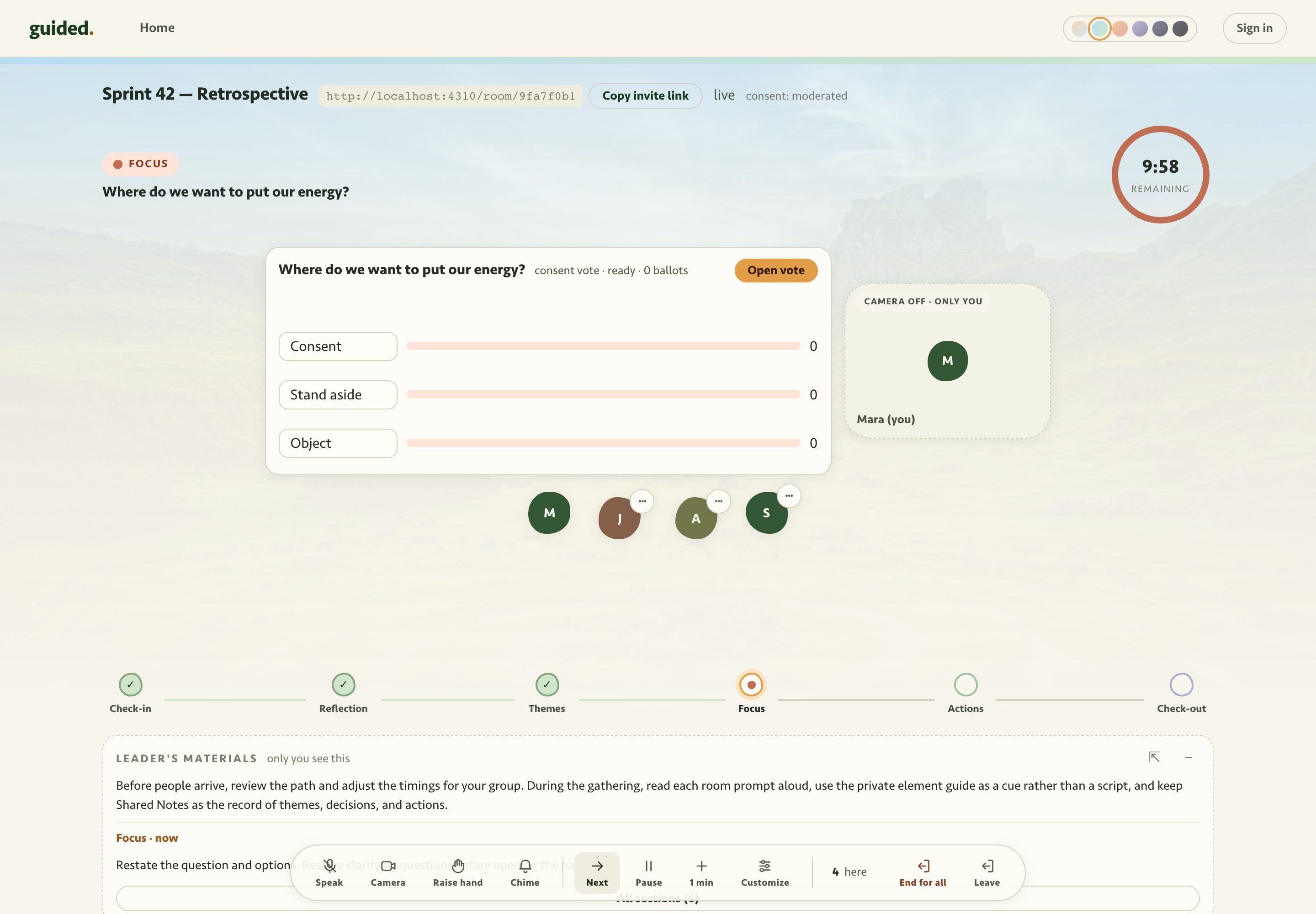
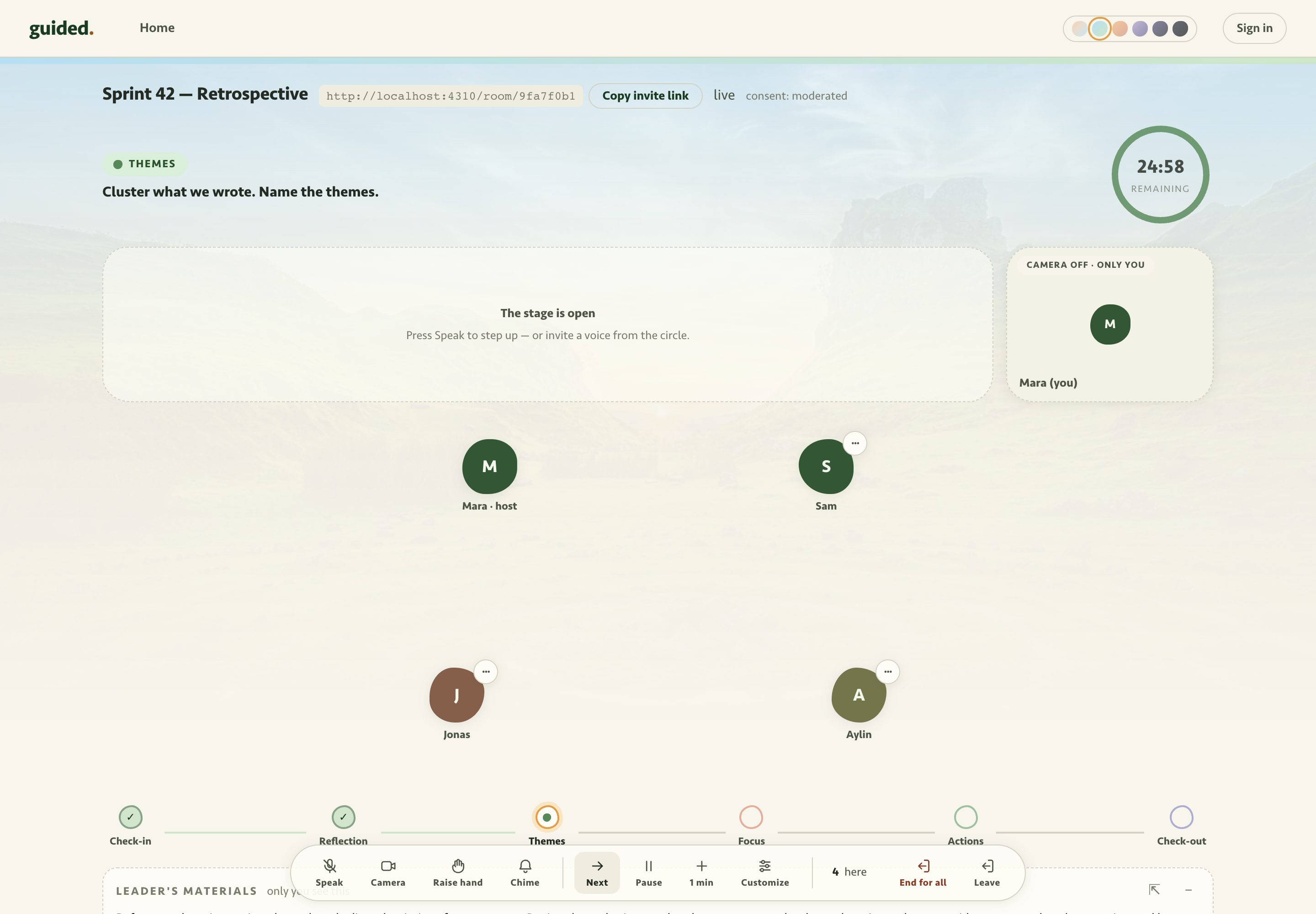
One space, one path. Each step opens the tools it needs, then clears them.
-
Create
Decide, build, and move. The room holds the structure; the group does the work.
-
Harvest
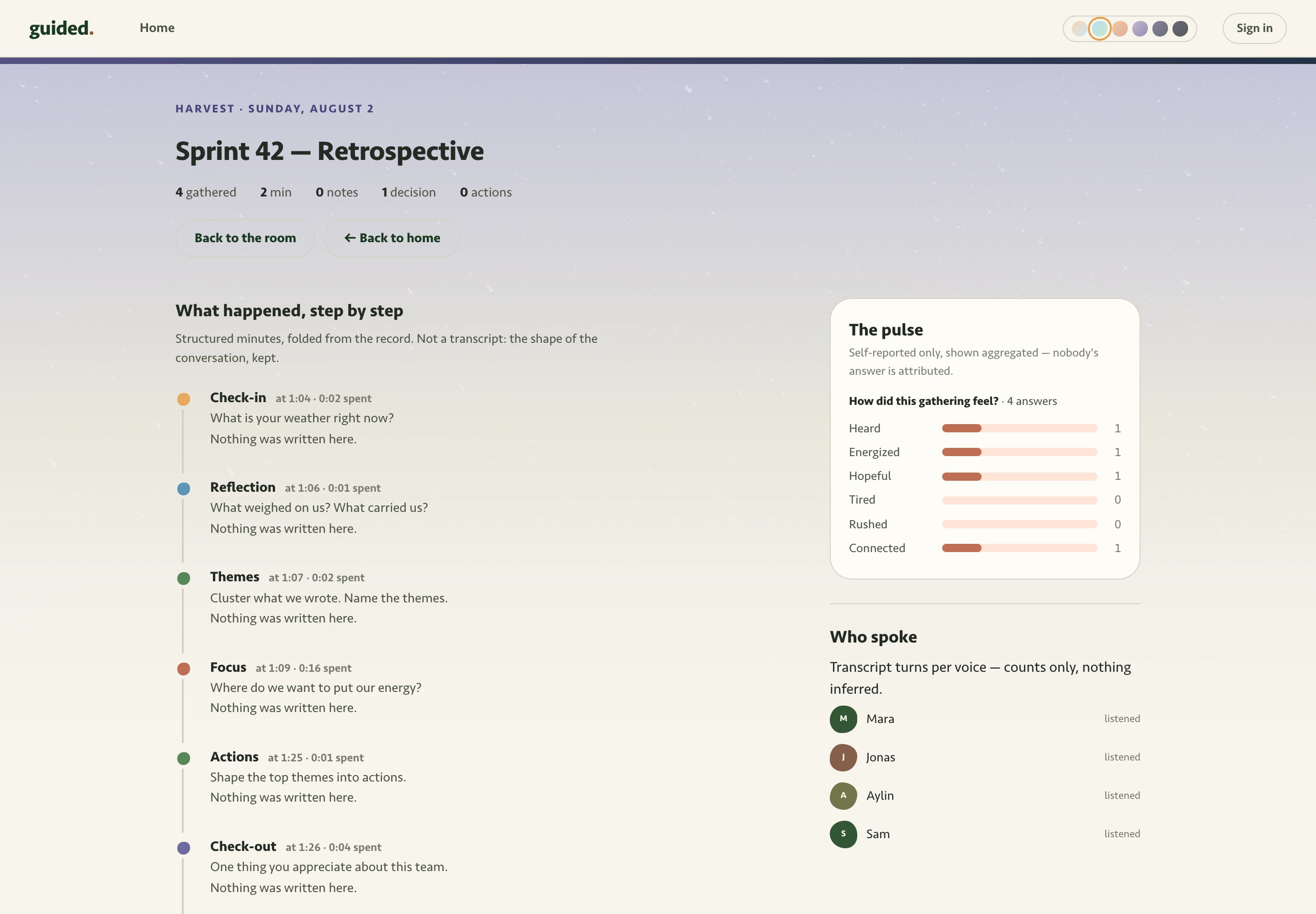
Leave with the result of the gathering: decisions with owners, not a transcript dump.
Why this is different
- The agenda runs in the room. Guided operates the timers, votes, and boards, so the host can focus on the group.
- Tools appear when needed. Each step can open its prepared vote, board, or document.
- Outcomes keep the meeting structure. Minutes stay with their step. Decisions include consent notes. Actions have owners.
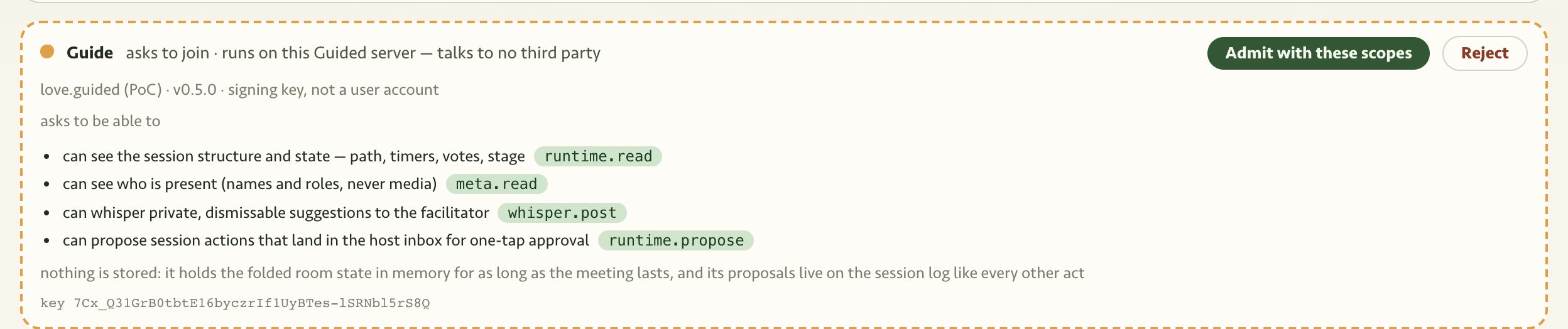
- Agents ask before they act. Everyone can see them. The host grants the scopes they can use.
Prepared for the moment
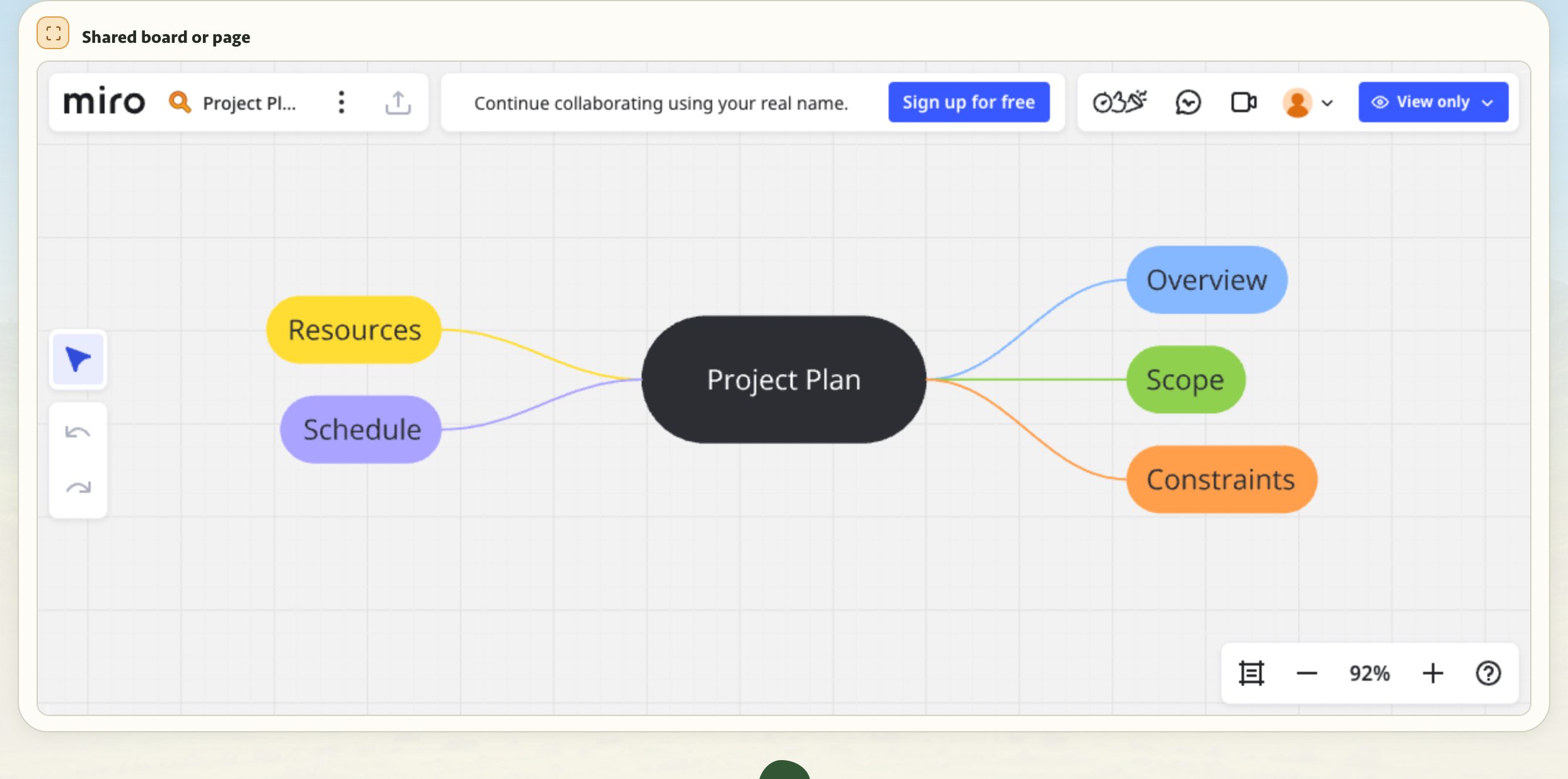
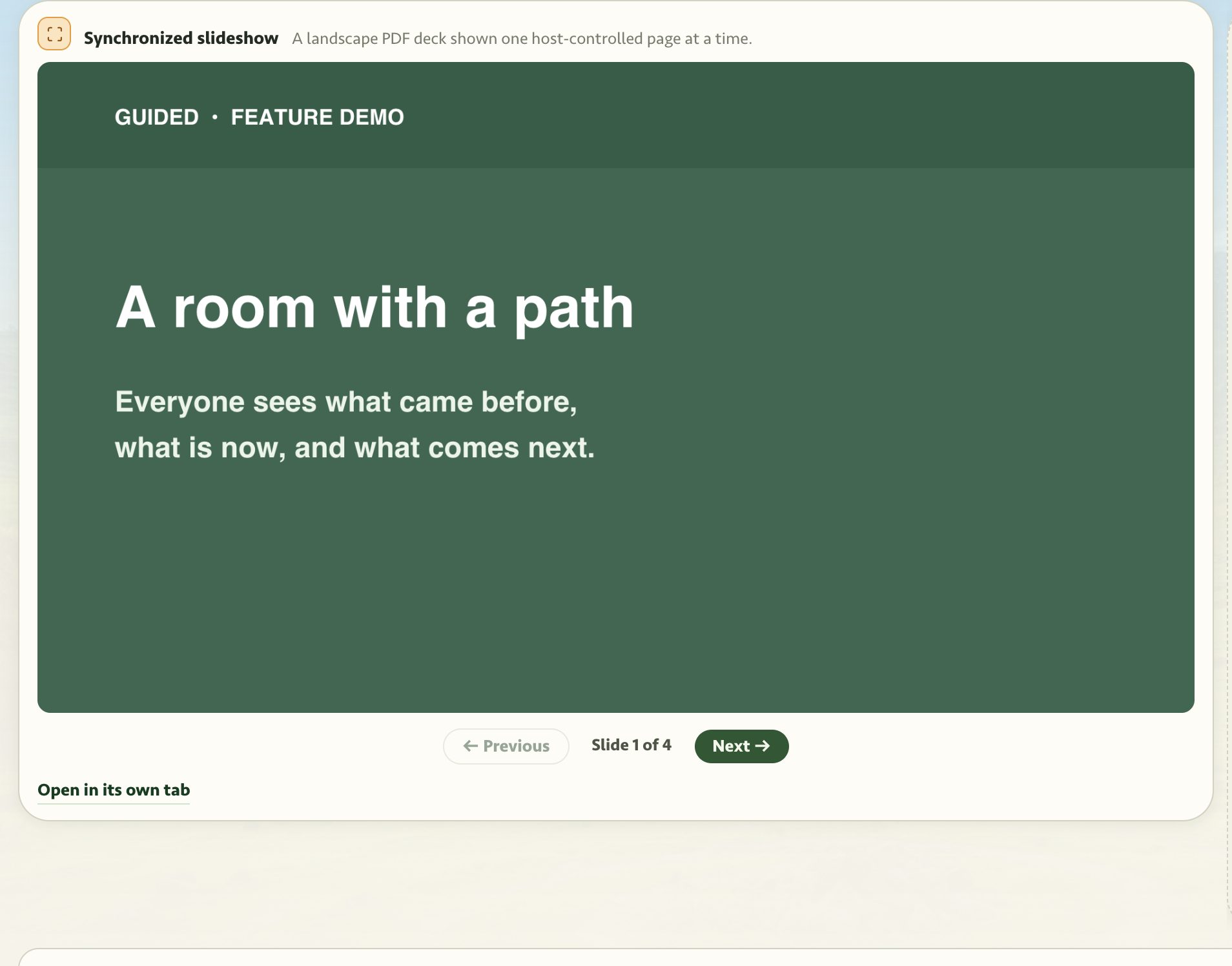
Keep the meeting in one tab. Guided shows media, shared boards, and private host material when each step needs them.

Agents, in plain words
An agent is AI help for a meeting. It can take notes, prepare a summary, or guide the format.
Before an agent can act, Guided shows who sent it, where it runs, and what it requests. The host decides. Everyone can see the agent, and the host can remove it with one tap. Every meeting also works without an agent.
Agents hold the structure. Humans hold the meaning.
A meeting companion at the edge
Install the Companion on one participant's computer. The host can approve it to transcribe the meeting and prepare summaries.
The audio can be processed locally, while the owner chooses how summaries run. Everyone sees that the Companion is present, what it may hear, and when it leaves.
For AI builders
This section is for people who build AI assistants, automations, and coding agents. Guided lets your code prepare and support a meeting.
Use visible, removable agents to prepare, run, and summarize a gathering.
- People and agents use one contract. The service validates clicks and agent proposals with the same rules.
- Use MCP to prepare meetings and the live gateway to support meetings in progress.
- Admission is a door, not a default: manifest, scopes, locality on the chip, one-command eject, audit in the export.
- Run your own local models through the Companion. Audio and model input can stay on your computer.
- No silent listeners
- Propose by default
- No emotion inference
- Consent-filtered capture
- Bring your own models, or keep everything local
Invite
We're not open to everyone yet. We are open to people who will run a real gathering and tell us the truth.
Know the founders? Send us a note. We will help you get started.
We could not send the form. Check your answers and try again.